See it in 30 seconds
Beta · A quest for book lovers
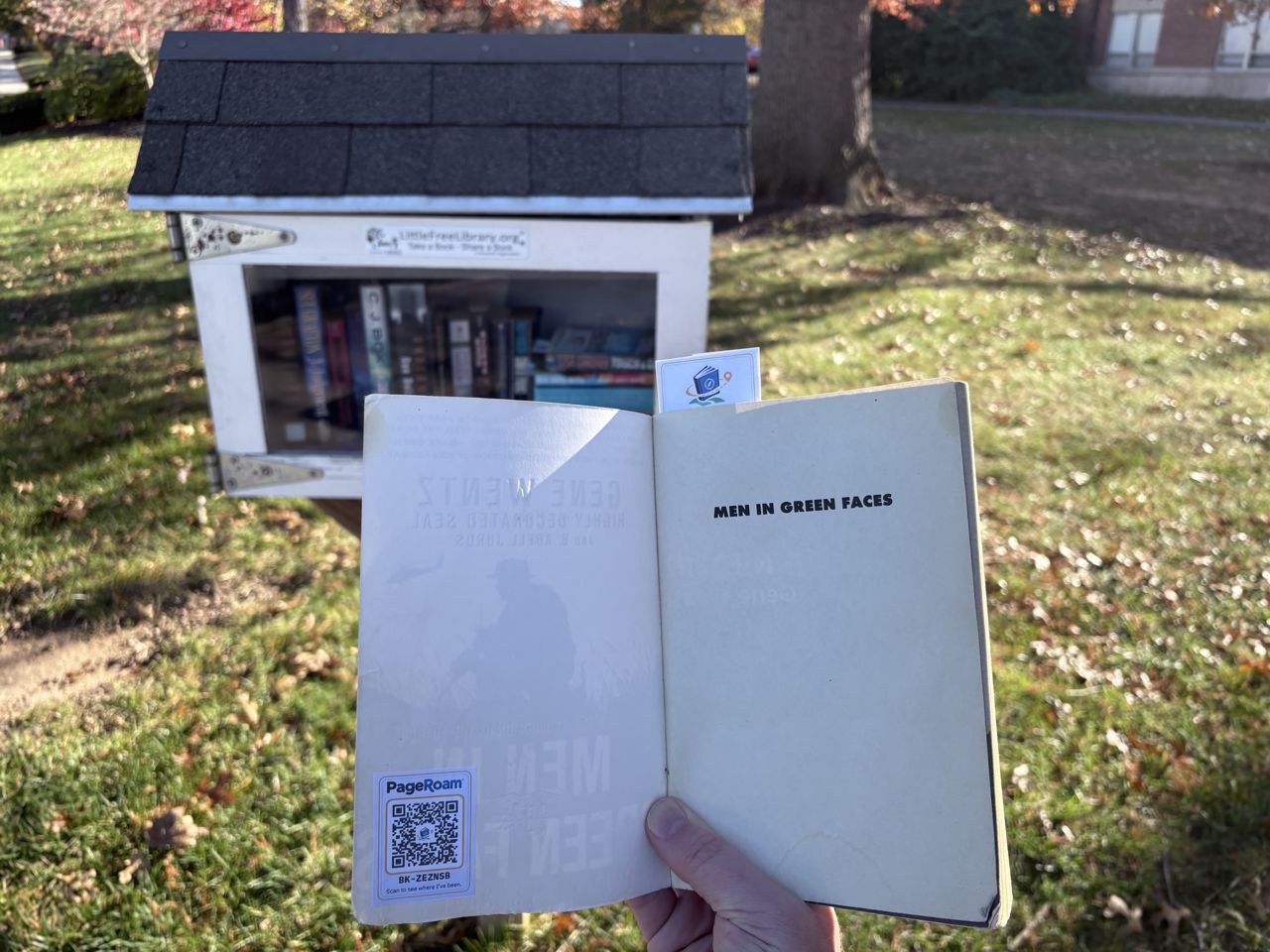
Track books as they travel through Little Free Libraries and neighborhood book boxes. Found a book with a PageRoam code inside the cover? Scan it to see everywhere it's been, then pass it on. Free, no app needed.
First 100 accounts get a Founding badge. Free, no password. Privacy
No app to download. Just your phone's camera.
Little Free Libraries, cafe shelves, lobby swaps. Any book box counts.
Each tagged book carries one PageRoam code. Scan it with your phone's camera to see where the book has been.
Read it, then leave it in any box. Your scan adds a stop to its journey.
EXAMPLE BOOK PAGE
What you see after scanning a code (example)
Want to add a book of your own? See how it works.
Open the front cover. The code is on the first page.
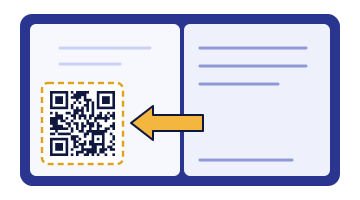
Every tracked book carries one PageRoam QR code sticker inside the cover. Get them two ways:
Create a free account, then print a sheet of 25 codes on sticker paper. Book box owners also get a printable box sign.
Create free accountNo printer? A reader pack of 25 codes is $3.99, and a steward kit (box sign, 25 codes, mounting tape) is $9.99. US shipping included, no account needed.
Order codesThen stick a code in a book, scan it, and scan the book's barcode. See the 3 steps.
Bring more readers to your box: every tracked book shows your box on its journey, so people who scan it can find you. Plus see what's on your shelf, what came and went, and where your books travel next. Free to list, and you can print codes and a box sign at home for free.
WHO'S BEHIND THIS
PageRoam started with 50 tagged books in one community. Every scan adds a stop to a book's story and helps decide what gets built next.
Stick a PageRoam QR code inside the front cover, scan it with your phone's camera, then scan the book's barcode to link them. Leave the book in any Little Free Library or book box. Each time someone scans the code, the book's journey gets a new stop you can follow. See the steps.
Print them free from your account on sticker paper, or order a printed pack mailed to you (reader pack $3.99, steward kit with box sign $9.99, US shipping included). Get codes.
Yes. Finding books, scanning codes and logging where a book goes are free, with no account needed. A free account adds XP, ranks, badges and your own reading passport.
No. Your phone's camera opens the PageRoam code and everything runs in the browser.
Only when you log a book, we ask your phone where you are so the book's journey shows the right spot. Public pages show a spot or neighborhood name, never your exact location. See the Privacy Policy.
Yes. Stewards get a private page showing what's on the shelf now, what was taken or left and when, and a weekly activity chart. Books with a PageRoam code are tracked automatically, and you can add other books by ISBN. A low-stock heads-up is coming.
Yes. If you find a PageRoam code that isn't linked to a book yet, for example from a stack left in a book box, scan it, then scan the book's barcode. See the steps.
No. PageRoam is an independent project that works with any book spot, including Little Free Libraries, and is not affiliated with or endorsed by Little Free Library.
Create a free account to keep your XP, badges and books on any phone. The first 100 accounts earn a one-of-a-kind Founding badge, and badges you've already earned from scans on your phone come with you when you sign in.
No password: we email you a sign-in link. No ads. We never sell your info. Privacy
Just want codes for your own books? Order a reader pack · $3.99 →
We only use your email to reply. Own a book box? Claim it here. Privacy